

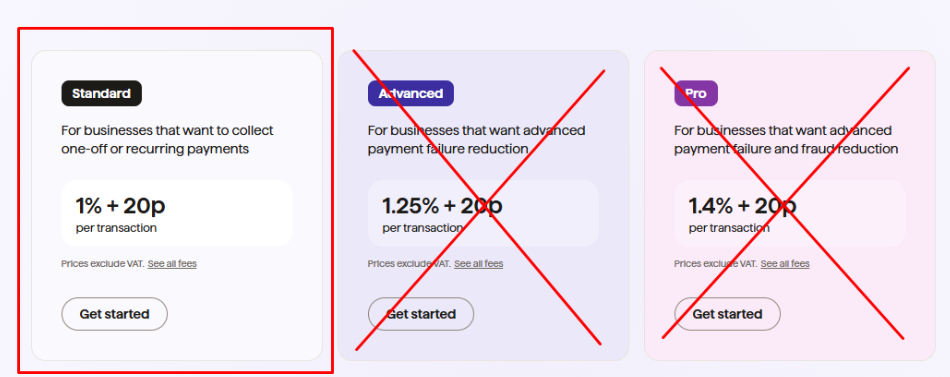
At some point during the setup process (it seems to vary) you will be asked to select the GoCardless Tier you want. You should select the bottom (lowest tier) called "STANDARD" which should say rates of 1% + 20p.
The package you choose has no bearing on Club Supporter per se however the features found in higher GoCardless plan are already included in Club Supporter so you do not need to choose a higher tier.
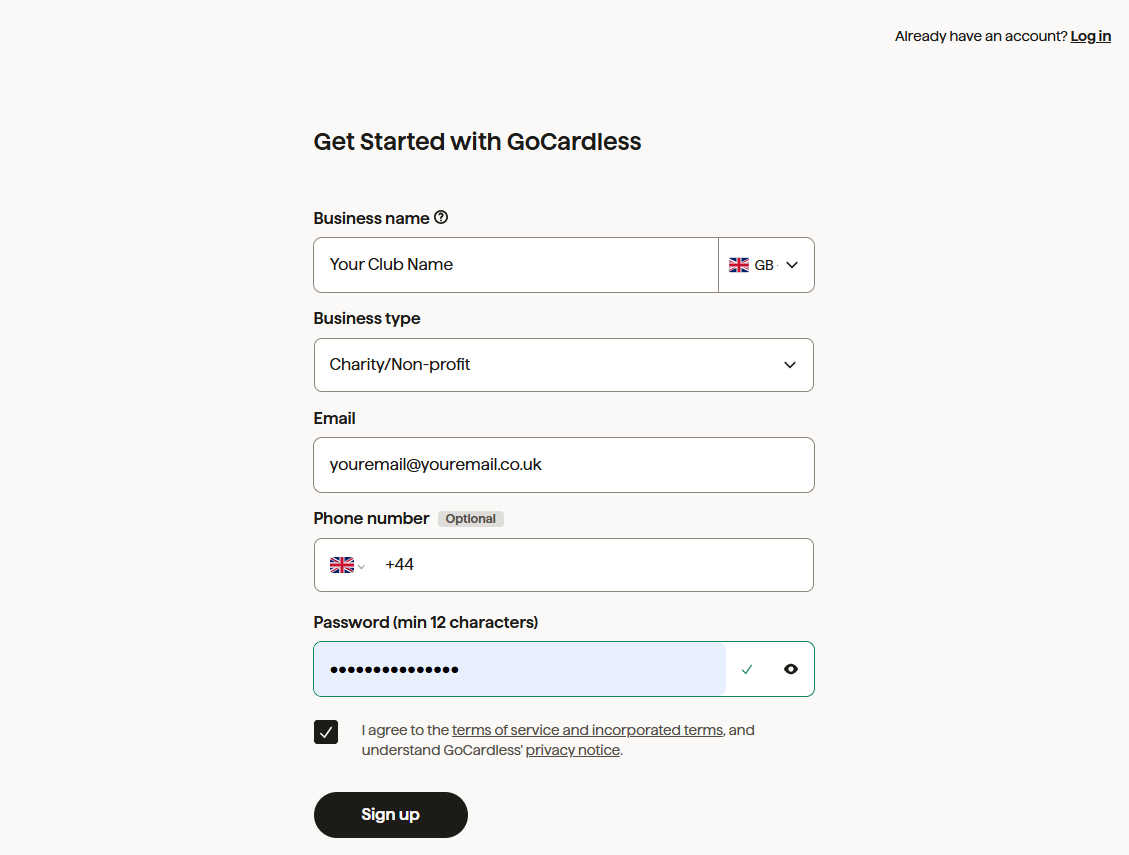
If you have an account with GoCardless already just login. If you dont fill in the form and choose "Charity/Non-Profit" for the business Type (unless you are a Limited Company). Please ensure your Business Name matches your bank account name.
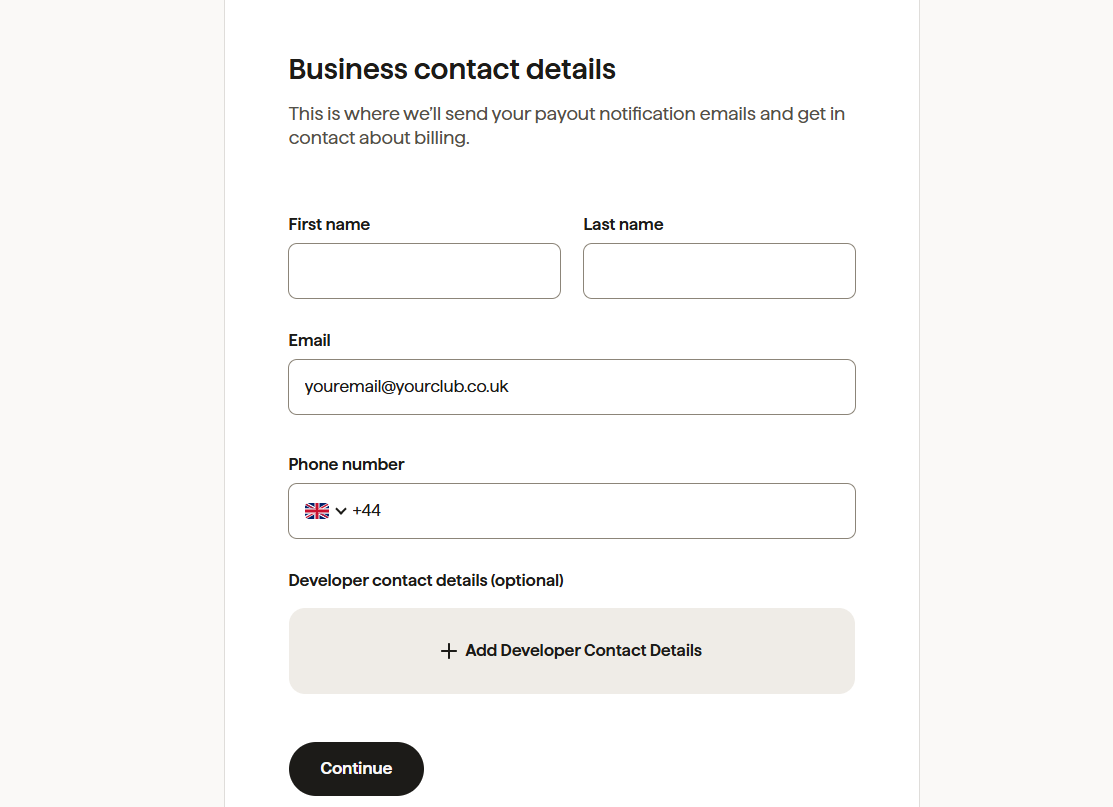
Next add the contact details of the person who wants to receive notifications from GoCardless. This would typically be the club Treasurer.
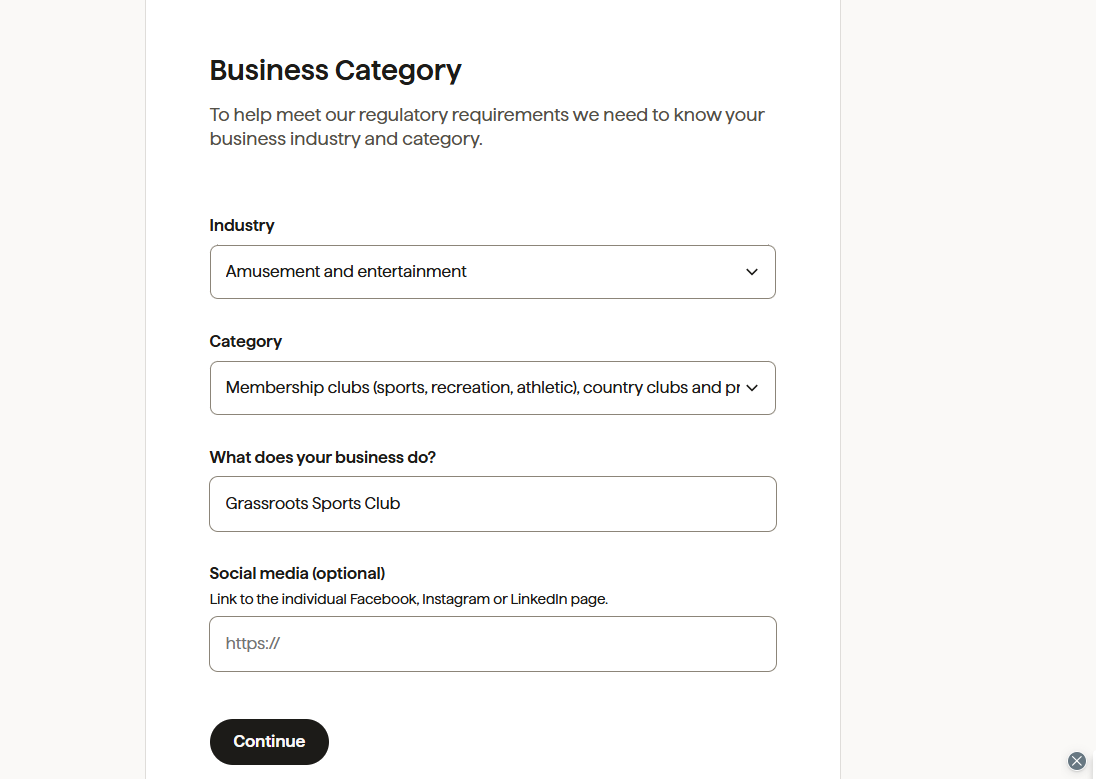
Choose the following options:
Industry: Amusements & Entertainment
Sector: Membership Clubs (Sports...)
What does your business do: enter "Grassroots Sports Club" or similar
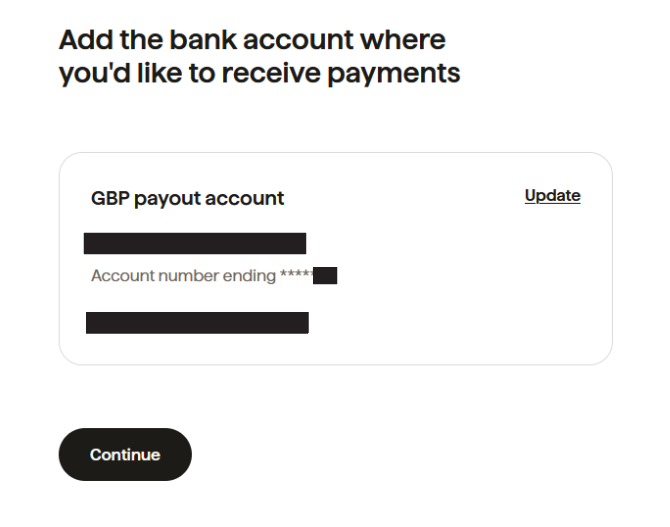
At this stage you need to enter your bank details and pay the penny. Just follow the on screen instructions.
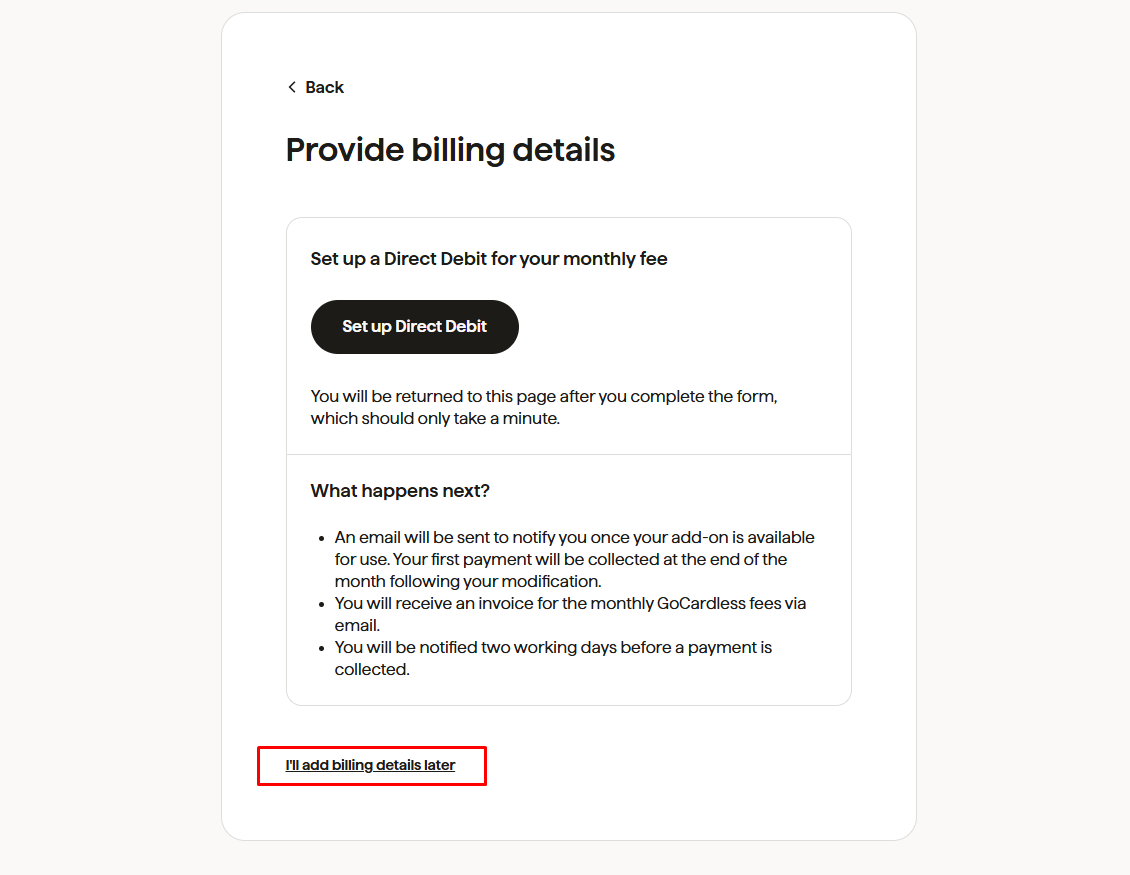
If you are asked to just choose "I'll add billing later" you dont need this with Club Supporter. Confirm you dont want addons if asked.
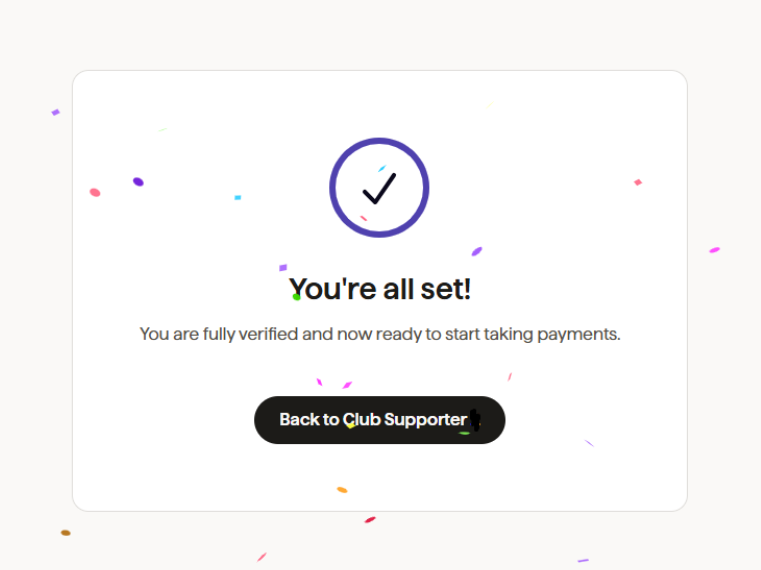
For most clubs that will be it completed. GoCardless may ask you more questions online or via email during the verification process so watch out and monitor your inbox. Click 'Back to Club Supporter'


Not sure if Club Supporter is right for your club?
Let Jonathan guide you.
Our friendly team member will listen to your challenges, understand your goals, and show you exactly how our tools can make a difference.
A quick demo today could save you hours every week.